Pitch Changer
Change the key of any song without changing its speed. Move it by semitones, hear it as you go, and download MP3 or WAV.
Drop a song or video here
MP3, WAV, M4A, FLAC, MP4, MOV · ≤ 10 min · ≤ 100 MB audio / 300 MB video
- Free
- No sign-up
- Tempo stays the same
How to change the key of a song with this pitch changer
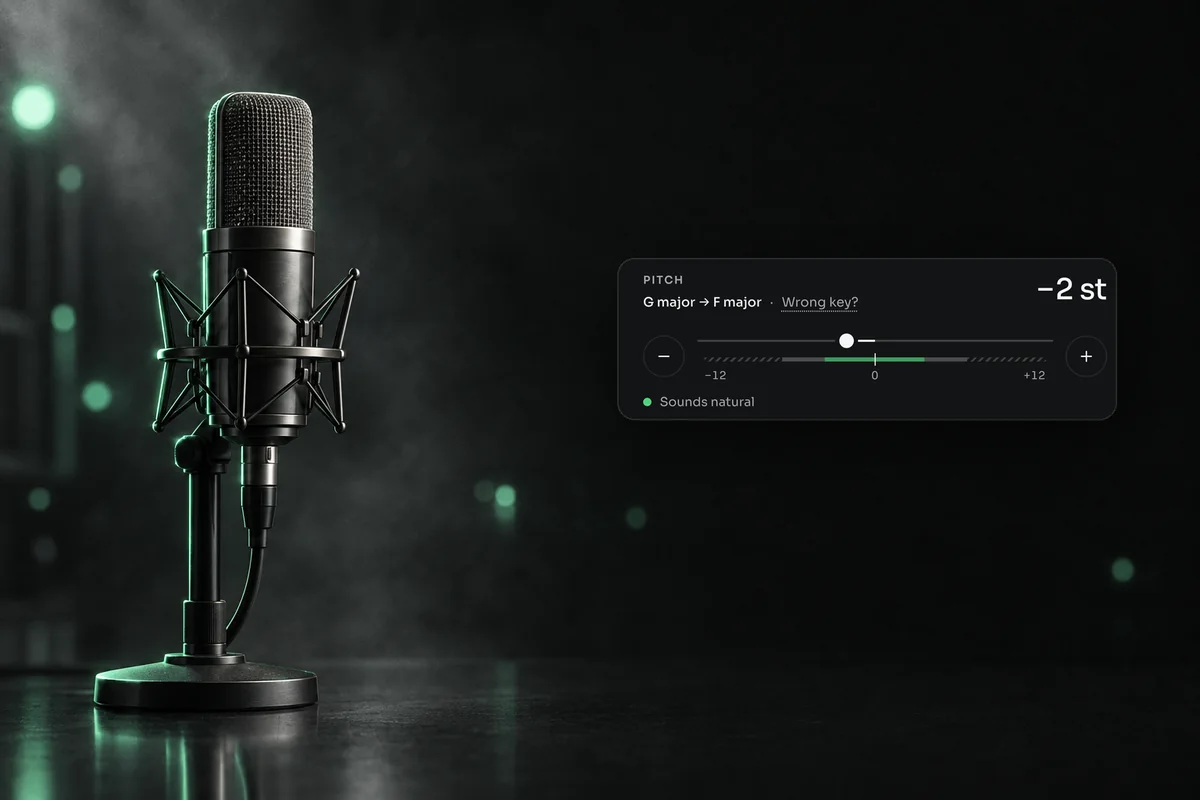
This online pitch changer — also called a pitch shifter or song key changer — shifts any track up or down by semitones while keeping the original tempo and length. Move a 3:20 song in G down two semitones and it stays 3:20, now in F.
- 01
Load a song
Choose an audio or video file up to 10 minutes long. It starts in its original key, and the key is shown once it's found.
- 02
Move it up or down
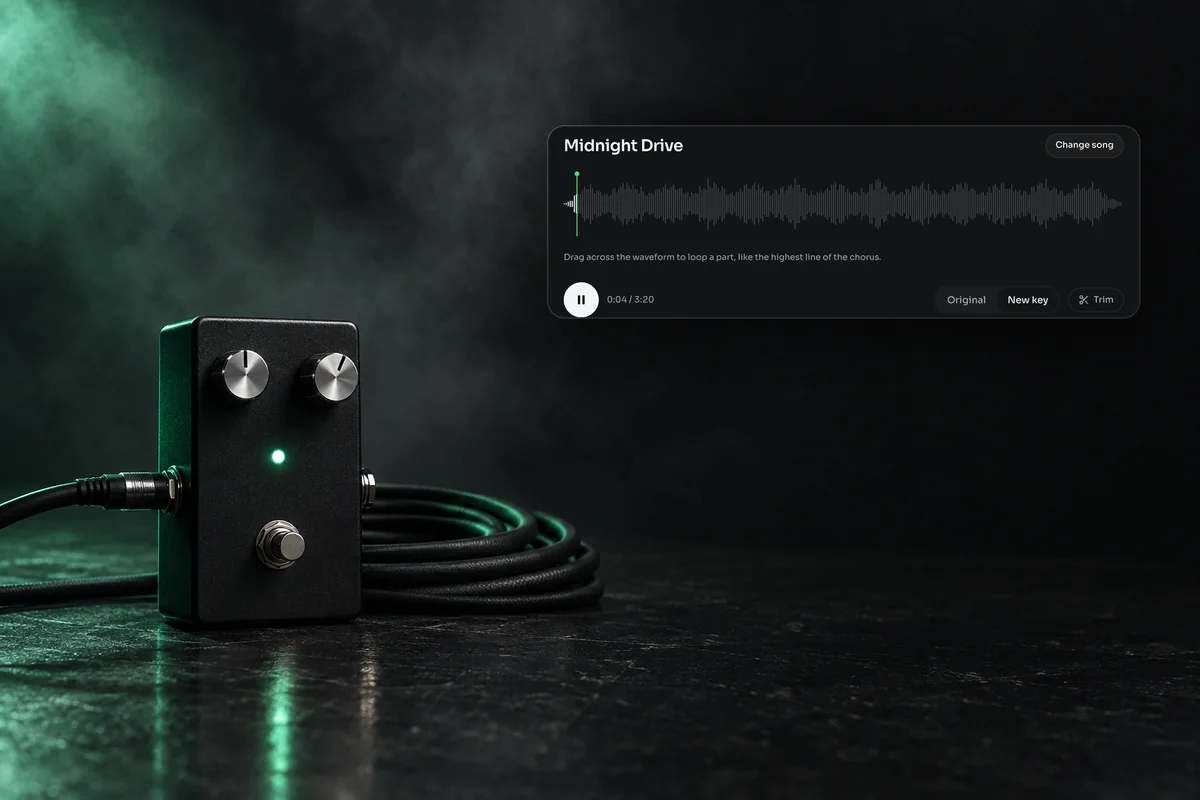
Tap −1 or +1, or drag the slider. It changes while it plays. Drag across the waveform to loop the chorus, and press Original to compare.
- 03
Download MP3 or WAV
Export a 320 kbps MP3 or a WAV that sounds exactly like the preview, with the new key in the file name.
How many semitones should you move it?
There's no single right number; it depends on the song and your voice. Whether you're practising a song or singing over a karaoke track, the quickest way is by ear: loop the highest line, usually the chorus, and step down one semitone at a time until you can sing it without straining. Then play the lowest part to check it still sits comfortably. Most songs that are just a little too high need only 1 to 3 semitones.
| Your situation | Start at | Then |
|---|---|---|
| The chorus is a little too high | −1 to −3 | Step down until the top note is easy |
| The verses are too low to be heard | +1 to +3 | Step up until the low notes have body |
| A song sung by another voice type (male ↔ female) | ±5 | Try ±7 too, and keep the one that fits both the high and low parts |
| The whole song is an octave off | ±12 | Or keep the key and sing the melody an octave higher or lower |
One semitone is one piano key or one guitar fret, and 12 semitones make an octave. When you transpose a song in C down 2 semitones, it lands in B♭; moving it up 2 puts it in D.
Use a pitch changer to play along without retuning
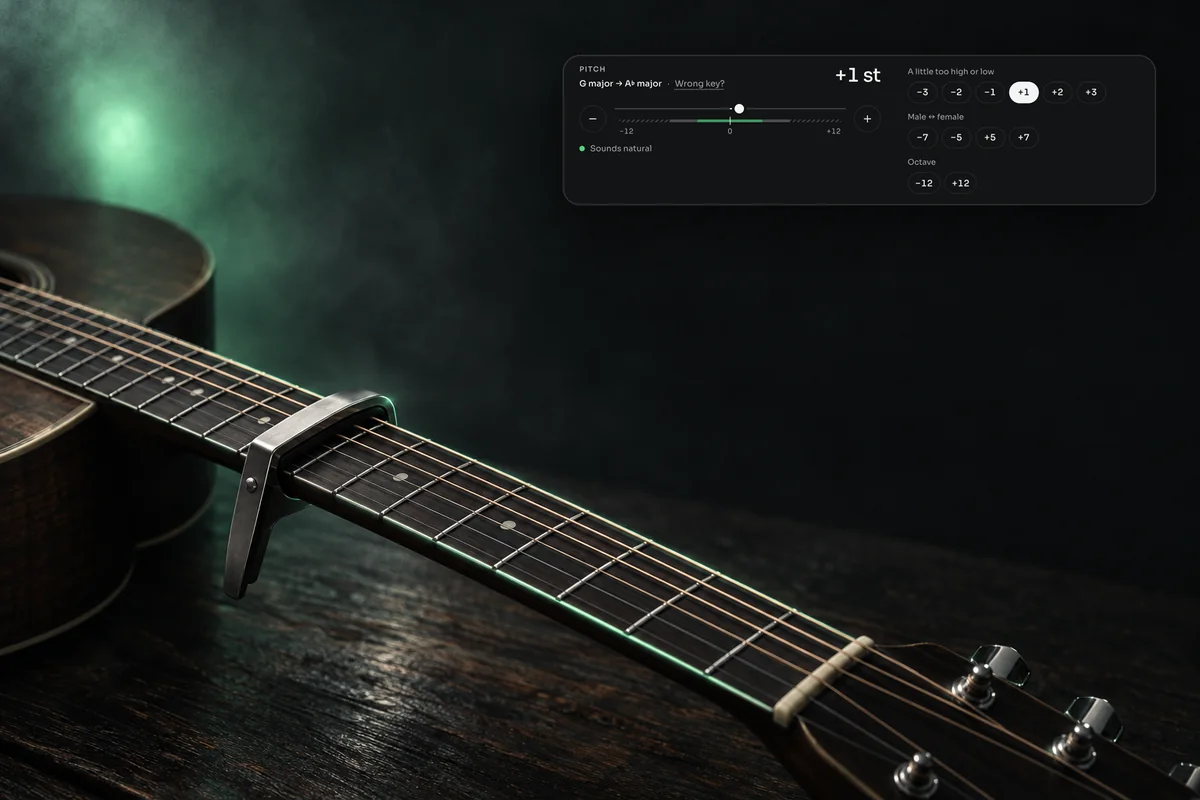
If a recording doesn't match your instrument, move the recording instead of retuning. Guitarists use this most: plenty of rock records are tuned a half step down, and a pitch changer brings them to standard tuning in one click. It also works for capo songs and for keys that are awkward on piano or horn.
| The recording | Your instrument | Move the song |
|---|---|---|
| Tuned a half step down (E♭) | Standard tuning | +1 |
| Standard tuning | Tuned a half step down | −1 |
| Tuned a whole step down (D) | Standard tuning | +2 |
| Played with a capo on fret 2 | Same chord shapes, no capo | −2 |
| In an awkward key, like F♯ major | Piano, wanting G major | +1 |
This moves the audio, not the sheet music or chord chart. To play the same chords in a new key, you still need to transpose the chords themselves.
Why do vocals sound like a chipmunk when you change the pitch?
A voice has two things that set how it sounds: the notes it sings and the resonances of the throat and mouth, called formants. A pitch changer moves both together. That's fine for small shifts, but the further you go, the more a raised voice sounds small and squeaky, and a lowered one sounds deep and hollow.
Vocals sound most natural within 1 to 3 semitones, and ±5 still works for most voices. Because this tool shifts the audio as a whole without separate formant control, bigger jumps colour the voice more. To make a speaking or singing voice sound deeper on its own, use a dedicated voice changer instead.
Pitch changer vs speed changer vs nightcore
These three are easy to mix up. A pitch changer moves the key and leaves the tempo alone. A speed changer does the opposite: faster or slower, same key. Playing a song faster like a record raises both at once, which is how nightcore gets its sound; slowing it down lowers both, which is the slowed sound.
| Tool | Key | Tempo and length | Use it to |
|---|---|---|---|
| Pitch changer (this page) | Up or down | Unchanged | Sing or play in a key that suits you |
| Speed changer | Unchanged | Faster or slower | Practise a fast part slowly |
| Nightcore maker | Higher | Faster, shorter | Make a sped-up, high-pitched version |
| Slowed reverb maker | Lower | Slower, longer | Make a slowed, dreamy version |
This tool also has a basic Speed control under the pitch slider that keeps the key where you set it.
Online pitch shifter, plugin or pedal?
All three do the same job in different places. An online pitch shifter like this one is for changing the key of a finished song or recording. If you're making music, the editor you already use probably has one built in. On stage, guitarists use a pitch shifter pedal.
| Where | Option | Good for |
|---|---|---|
| In your browser | This pitch changer | A whole song or recording, no install |
| In an audio editor | GarageBand, Audacity and FL Studio all have pitch shifting built in | Single tracks inside a project |
| On stage | A pitch shifter pedal | Shifting a guitar live as you play |
Pitch changer at a glance
Everything this online audio pitch changer does, and doesn't do, in one table.
| Price | Free — no sign-up, no install, no watermark, no download limit |
| Processing | In your browser. Your file is never uploaded. |
| Input | MP3, WAV, M4A, FLAC (up to 100 MB) or MP4, MOV, WebM video (up to 300 MB); up to 10 minutes |
| Output | MP3 (320 kbps) or WAV (16-bit); video files give you audio |
| Pitch | −12 to +12 semitones, plus fine-tune in cents |
| Tempo | Unchanged; optional Speed control from 0.50x to 1.50x |
| Key | Detected automatically, with the new key shown as you shift |
| Practice | Loop any part while you change the key |
| Works on | Desktop, iPhone and Android browsers |
| Not supported | YouTube or Spotify links, shifting vocals separately, video output |
Pitch changer FAQ
Is this pitch changer free?
Yes. Changing the pitch of an MP3 or WAV and downloading the result is free, with no account, no watermark and no download limit.
Does changing the pitch change the speed?
No. The tempo and length stay exactly the same, and the length readout shows it. Only the Speed control changes the tempo, and it's set to 1.00x unless you move it.
How many semitones is one key? How do I go from C to G?
One semitone is one step to the next note (for example, C to C♯), and 12 make an octave. To move from C to G, shift +7 semitones up or −5 semitones down — both land in G, so pick the smaller move (−5) for a more natural vocal sound. See our key guide above for more.
Can I change the pitch on my phone?
Yes. Open this page in Safari on iPhone or Chrome on Android and pick a song from Files or Downloads; there's no app to install. On iPhone, tap once to start the sound and keep the page open while it plays.
Is my song uploaded?
No. Your file is processed in your browser and never sent to our servers. Recent is saved in your own browser.
Can I change the key of a YouTube or Spotify song?
Not from a link. This pitch changer only works with files on your device and doesn't download music from any service. If you have the song as a file, load it here.
Can I change the pitch of a video?
You can load an MP4, MOV or WebM video and change the key of its sound. You get an audio file back, MP3 or WAV, not a new video.
Can I change only the vocals, or remove them?
No. The whole song moves together: voice and instruments stay in tune with each other. To get a backing track without vocals, you need a vocal remover first, then change its key here.
How do I convert a song to 432 Hz?
Under More, press 440 → 432 Hz. It lowers the song by 31.77 cents, which retunes music recorded at the usual A = 440 Hz to A = 432 Hz.
Is it legal to change the key of a song and post it?
Changing the key doesn't change who owns the song. Singing or playing along at home is fine. To post a cover or backing track, you need permission for the music, and platforms like YouTube can still match it to the original.
Change the key of your song
Drop in an audio or video file, find the key that fits your voice or instrument, and export MP3 or WAV.
MP3, WAV, M4A, FLAC, MP4, MOV · up to 10 min